
 Swap & Limit Orders
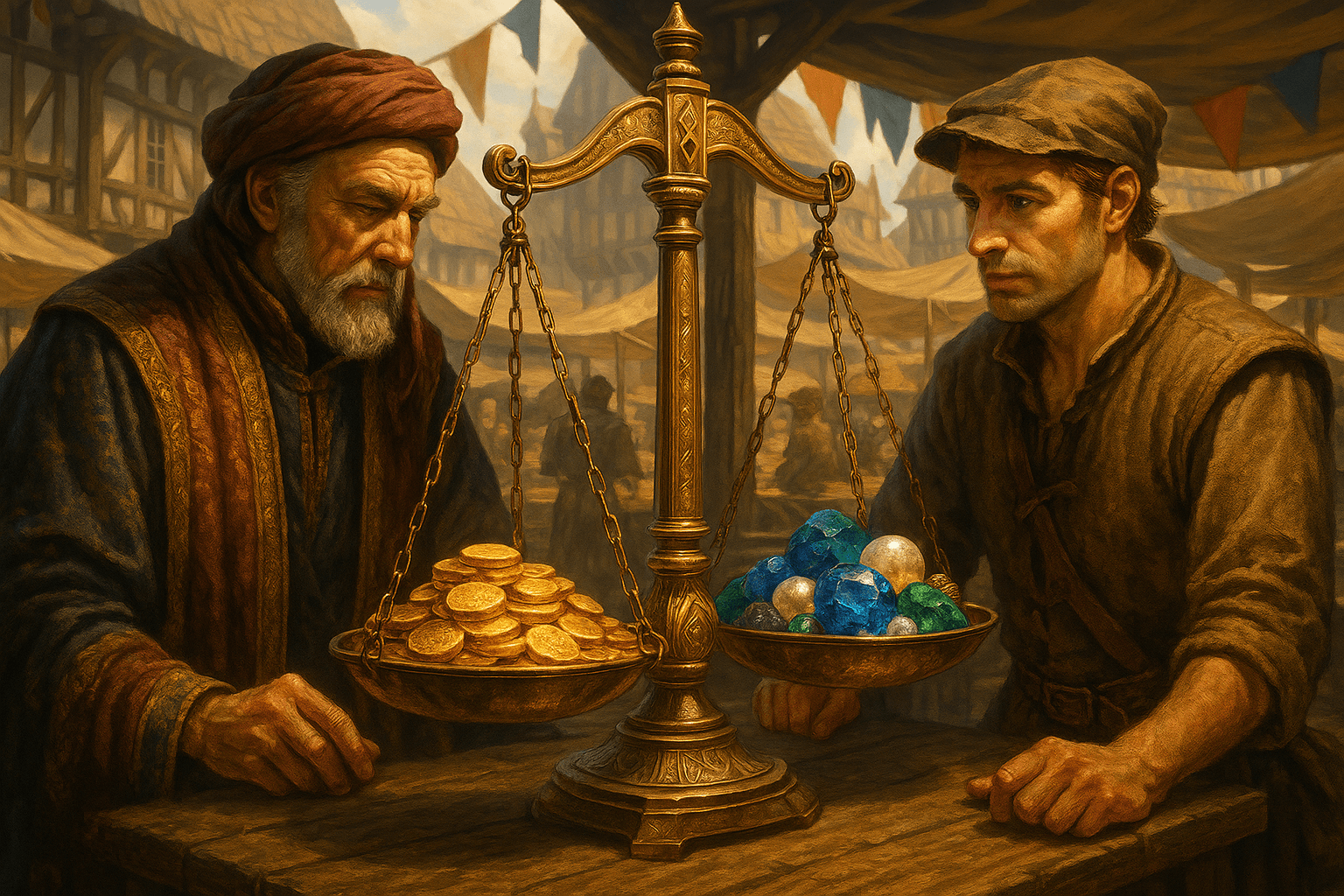
Built-in token exchange for MST ⇄ USDC using in-game balances (no external wallet required). Simple, transparent, powered by a 50/50 AMM with integrated limit orders.
What is Swap
Swap lets you exchange MST with USDC directly inside Mystic Forge using your in-game balances. The MST/USDC pool is the only trading pair available.
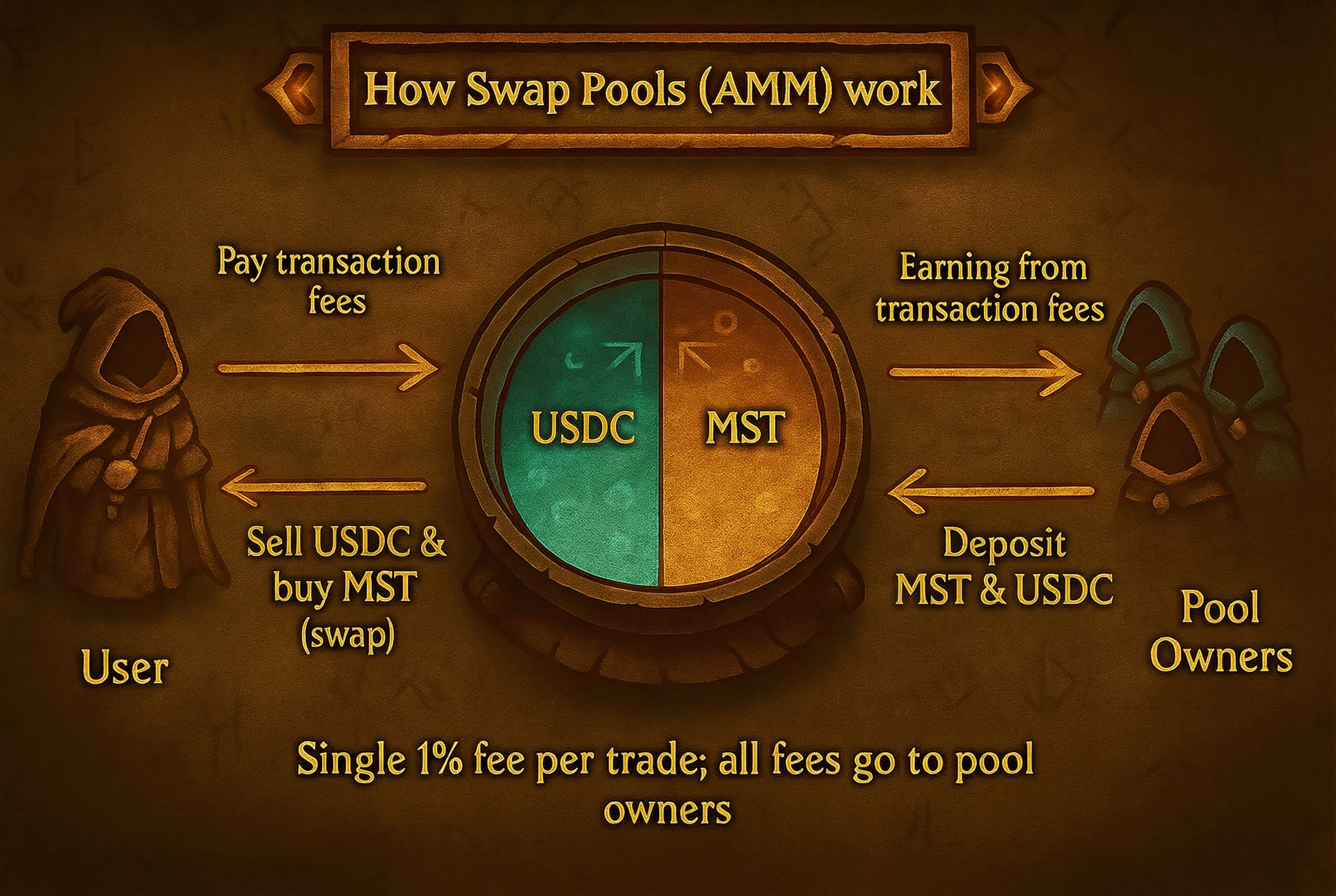
- AMM pool with 50/50 reserves (constant‑product market maker, x·y = k)

- Market buy 1% / market sell 5% to LPs; limit makers pay 0%

- No external wallet needed — trades happen instantly on your game balance

Market Trading
Instant execution against the pool for immediate trades.
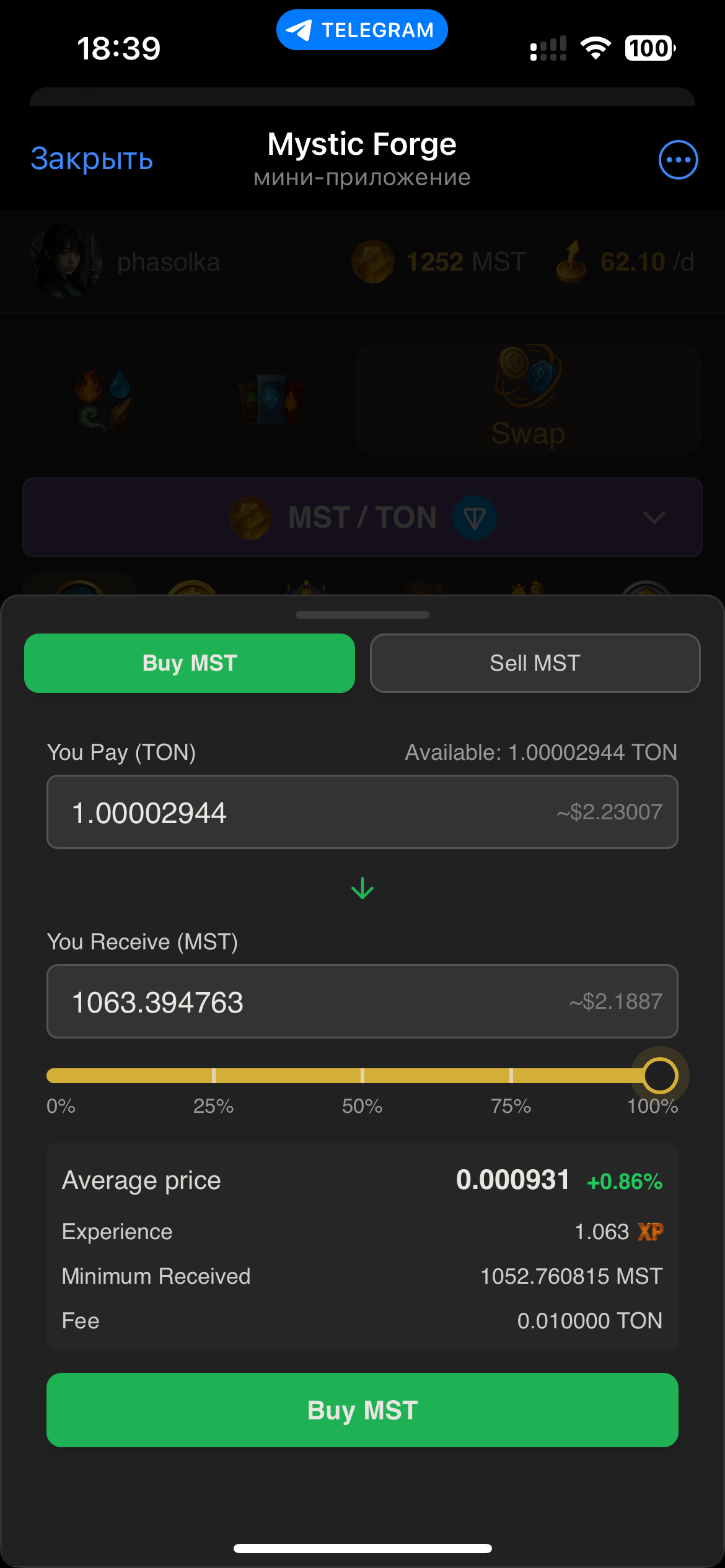
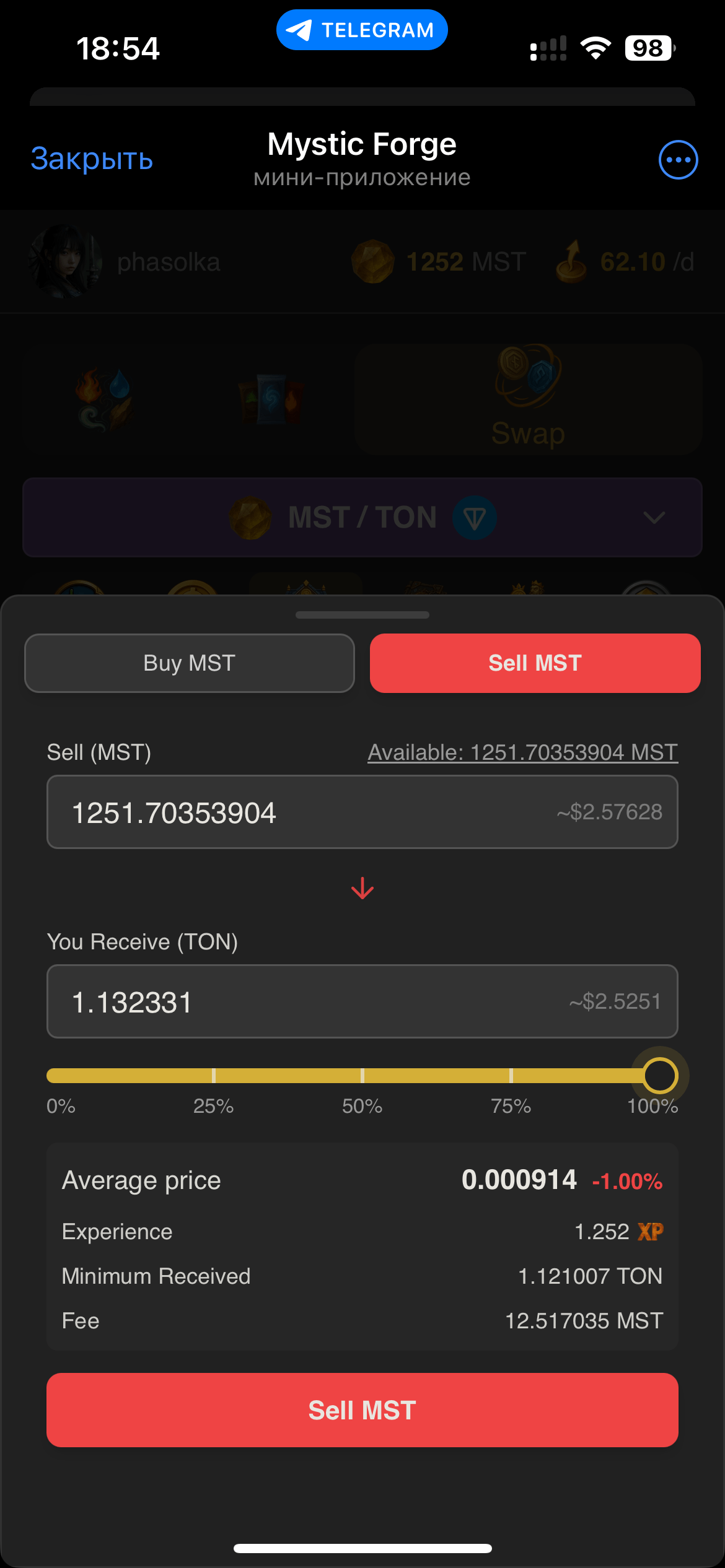
- Minimum trade: 1 MST

- Buy: 1% of USDC in. Sell: 5% of MST in. All fees go to LPs

- Price impact depends on pool depth and trade size

- Automatic 1% slippage protection — if price moves more during execution, trade is cancelled

Providing Liquidity
Deposit tokens and earn 100% of trading fees proportional to your pool share. Liquidity providers shape the pool's depth and price stability.
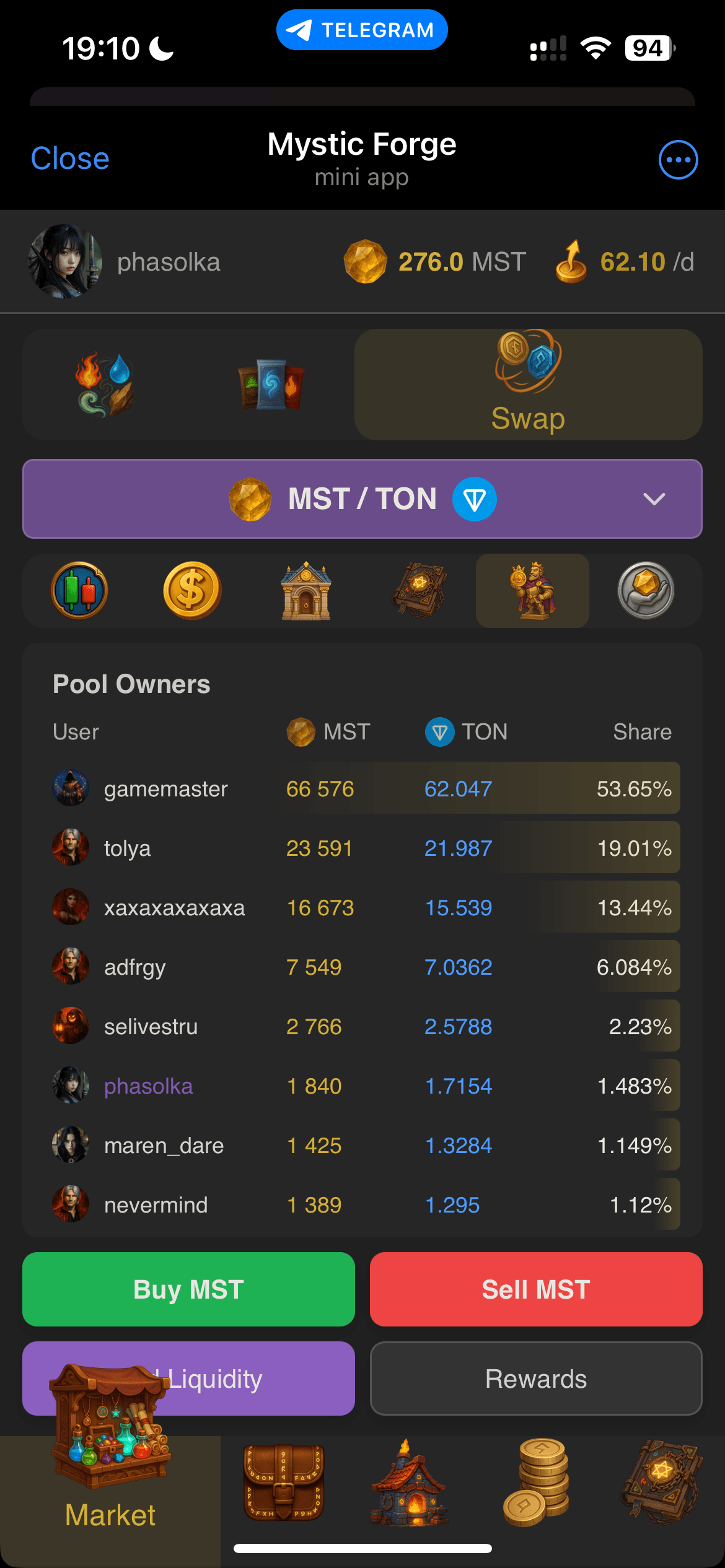
- Deposit both tokens in equal value (50/50 by price at deposit time)

- If you only have one token, use Swap to convert half, then provide both
- Pool owners receive all trading fees pro‑rata while liquidity stays in pool
- Withdraw anytime to reclaim tokens and accumulated fees


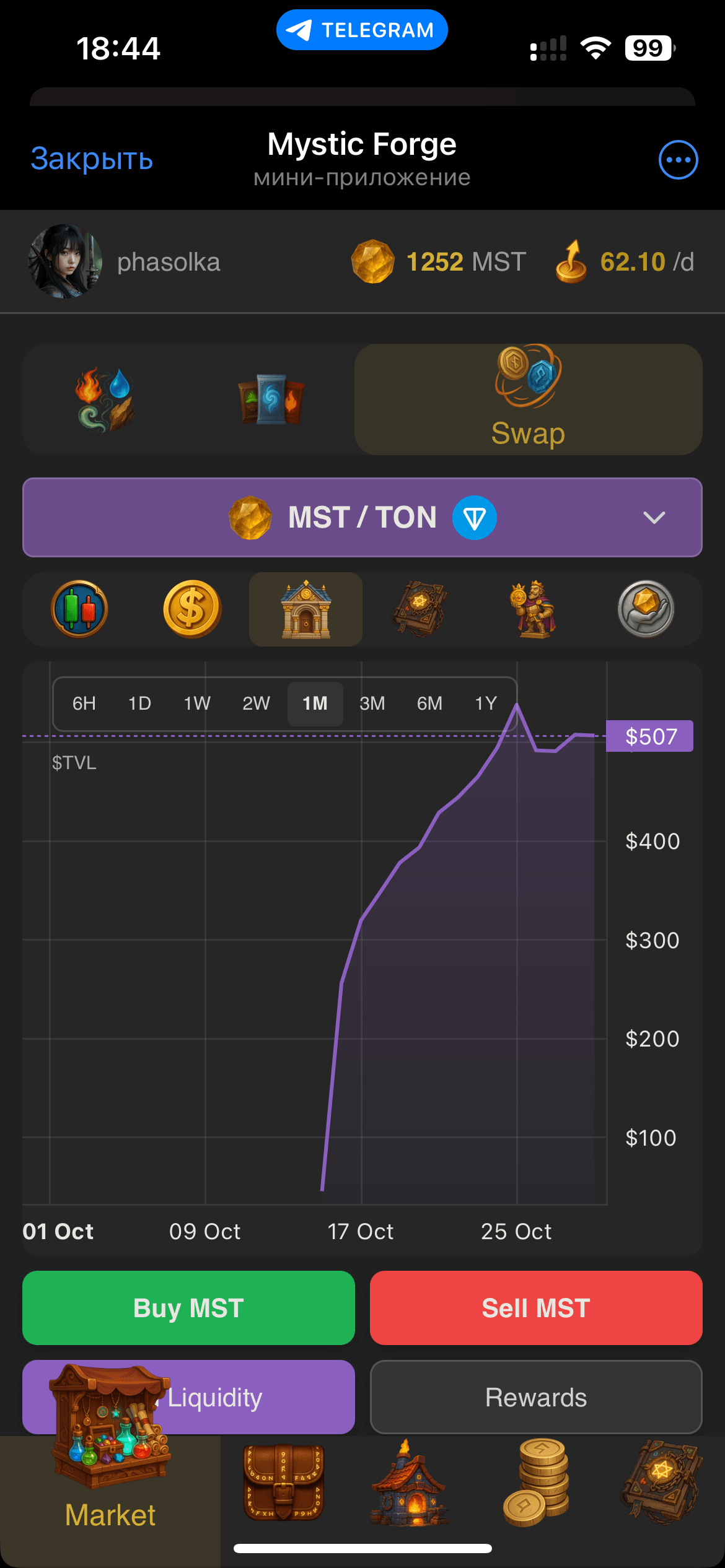
TVL Explained
Total Value Locked (TVL) is displayed as three separate charts for deeper analytics of the swap ecosystem.
- AMM TVL: pure AMM pool reserves — MST + USDC deposited by liquidity providers
- AMM + Buys: AMM reserves plus USDC locked in pending buy limit orders

- Total TVL: all of the above plus MST locked in sell limit orders, valued at the current MST price

Charts & Analytics
The pool page provides a rich set of metrics to help you make informed decisions.
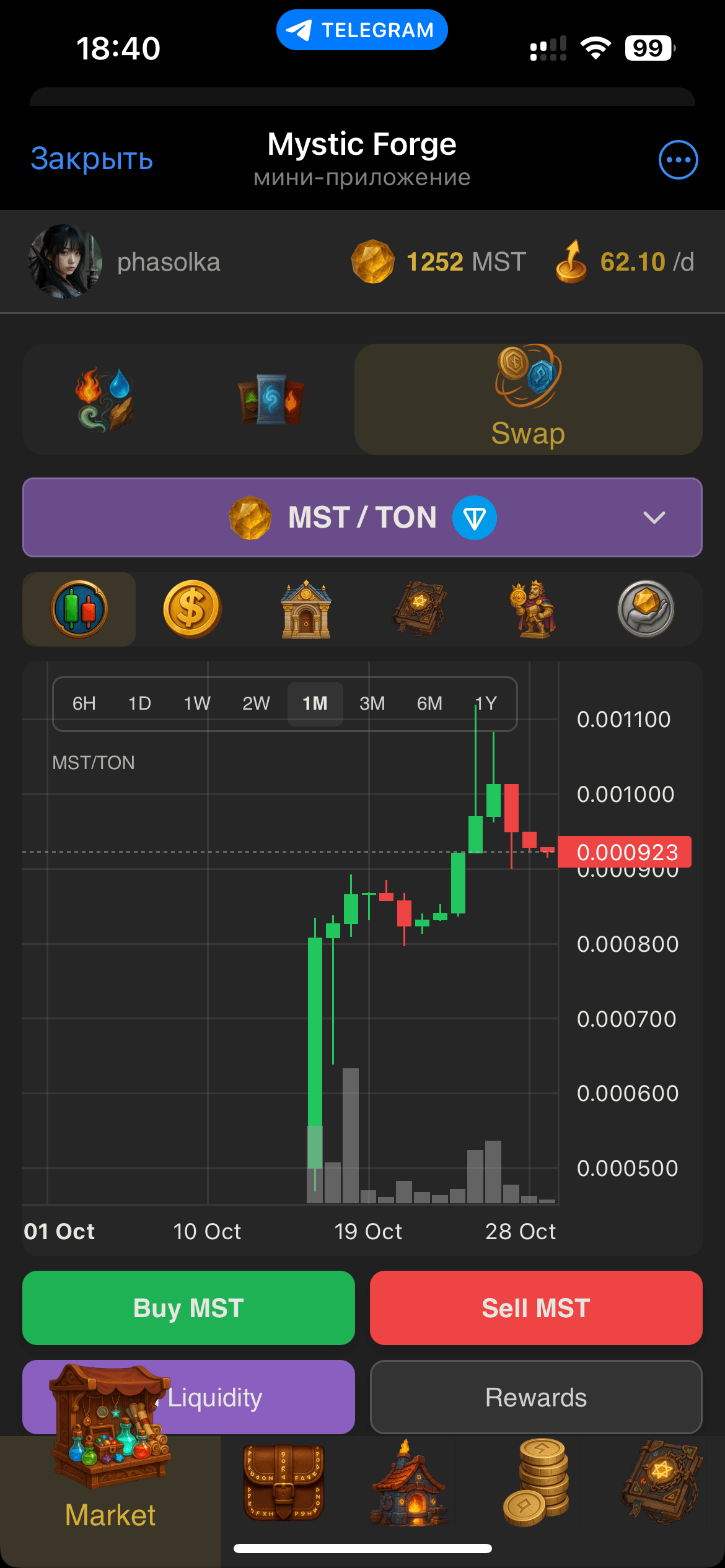
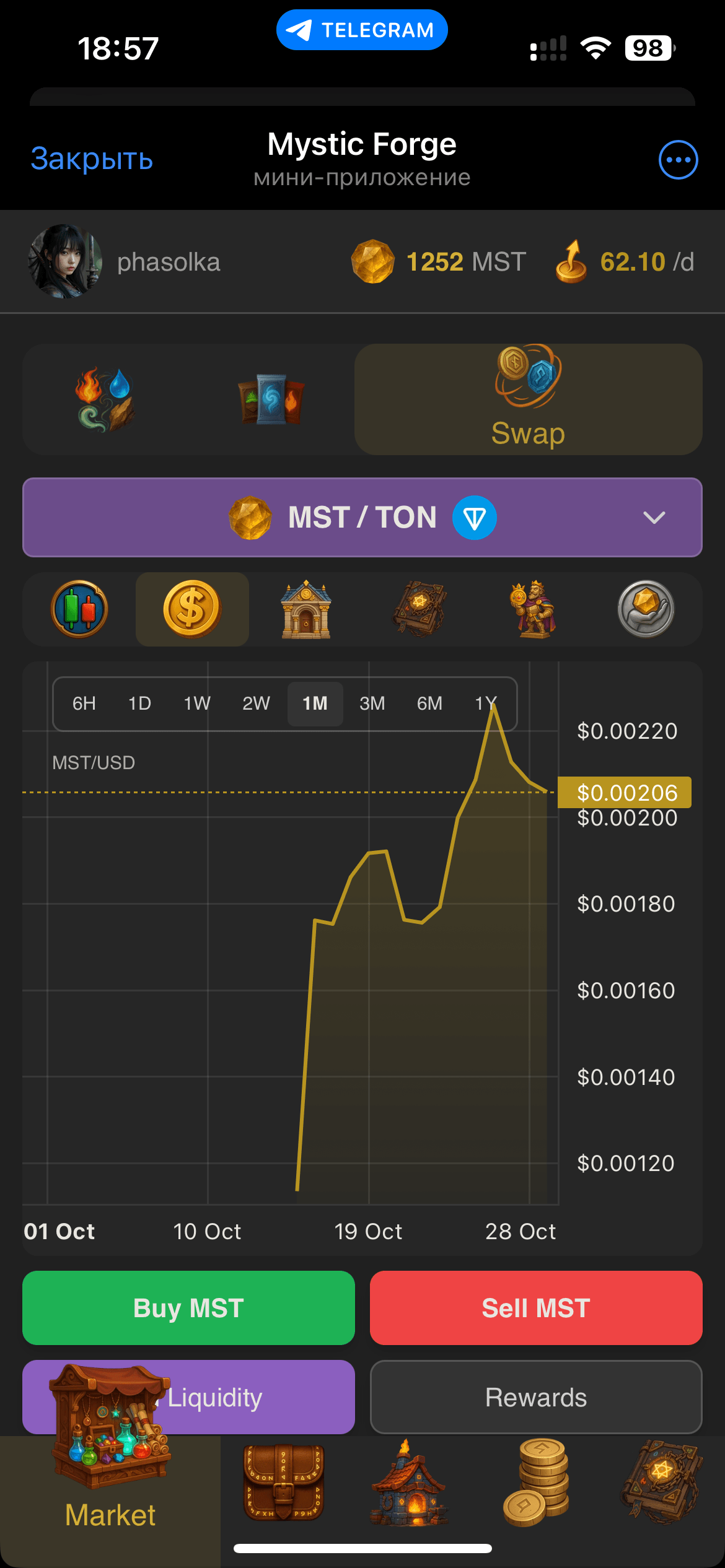
- Candlestick price chart with volume

- Recent trades stream showing both AMM and limit order fills

- Liquidity and TVL history
- Order book visualization with active limit orders

Getting Started
Simple steps to start trading or earning fees.
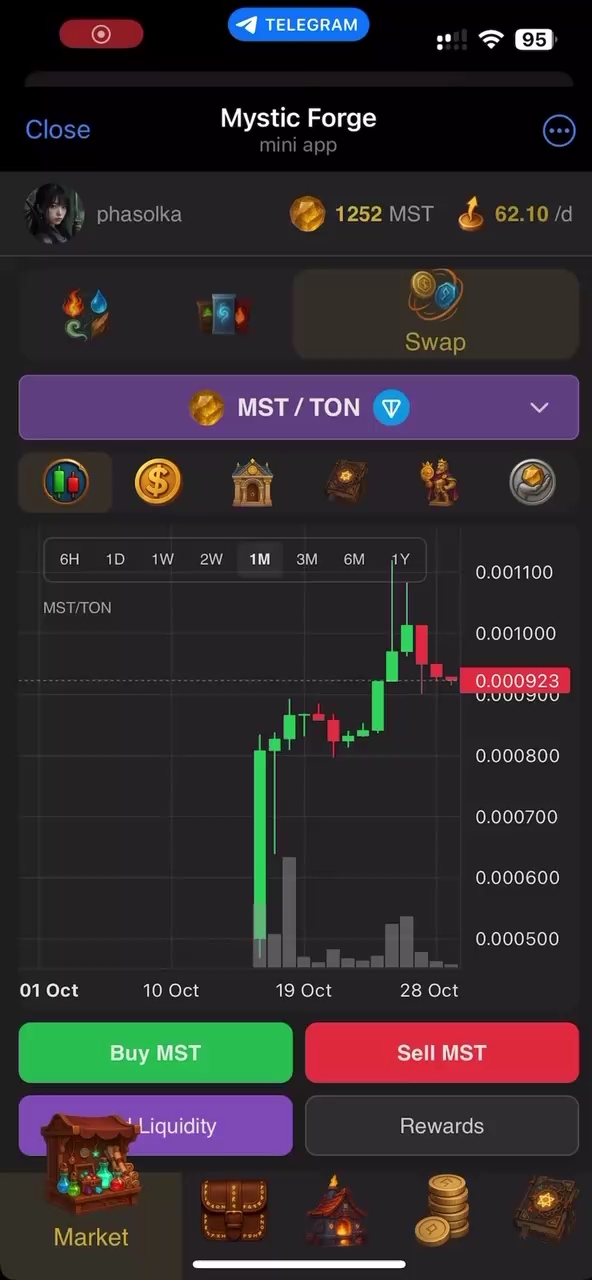
Getting started
- First, deposit USDC to your in-game wallet (see Wallet page)
- Open the MST/USDC pool — all trades use in‑game balances
- Enter amount and confirm — your trade executes instantly
Limit Orders (Advanced)
Set your desired price and let the market come to you. Limit orders are integrated into the swap pool — when someone trades, matching limit orders fill first before the AMM.
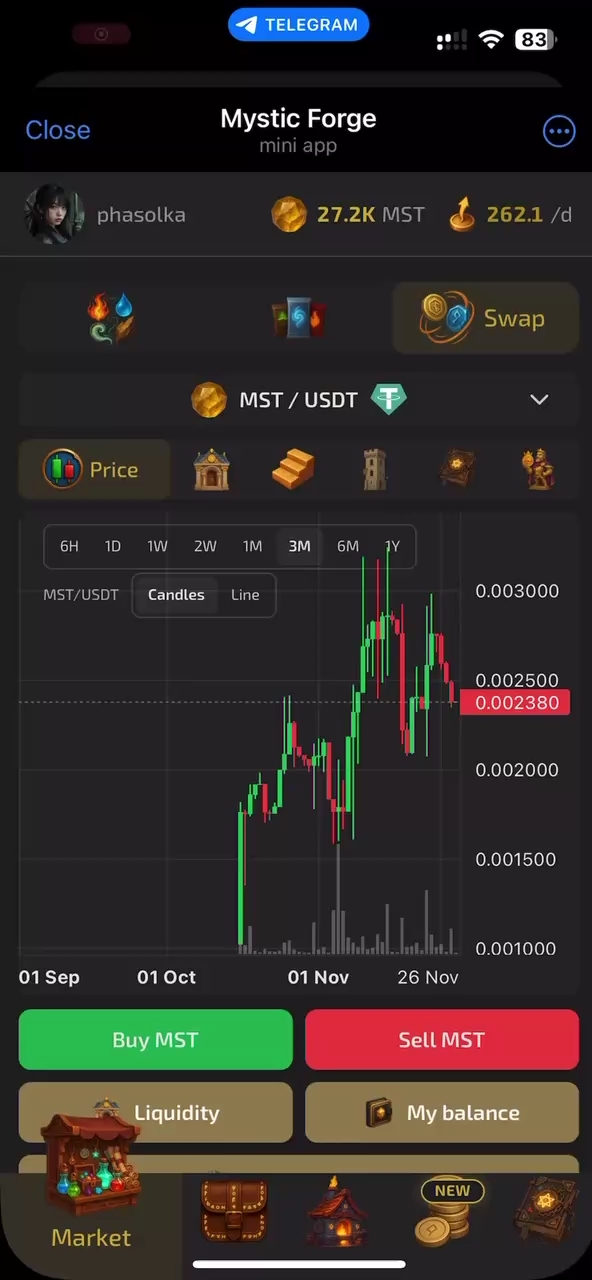
- Place buy or sell orders at your chosen price — no fees for limit order makers
- Orders execute automatically when someone trades at or through your price
- Minimum order size: 10 MST (vs 1 MST for market swaps)
- Maximum open orders equals your player level (Level 3 = 3 orders, etc.)
